01
Set your direction.
Tell us about your experience, the work you want, and where you want to go.
Build your profileYour next move, without all the busywork. Find roles that fit, create thoughtful applications, and walk into interviews feeling ready.
Loading live jobs…
Loading live jobs…





 Greenhouse
One connected workspace, from the first swipe to the final conversation. Build your search around what matters to you.
Tell us about your experience, the work you want, and where you want to go.
Build your profileSkip what doesn’t fit. Save what does. Keep your best opportunities in one place.
Try the swipe deckPrepare a resume and cover letter, review the details, and approve your next step.
Explore resume toolsPractice the conversation and build clear talking points from your own experience.
Practice an interviewSet the roles, locations, and preferences that matter. Explore a daily matching workflow that prepares your review queue while you prepare for what’s next.
Your preferences set the direction
Resume + cover letter, grounded in your story
Check every detail before the next step
Provider support and permission required
Find your fit. Tell your story. Practice your moment.
A thoughtful tool for every step of the search.
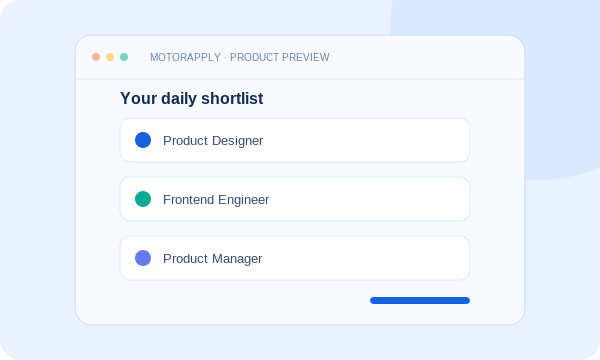
Put your search on a daily rhythm. Set your preferences, review strong matches, and approve the next step.
CAMPAIGN PREVIEW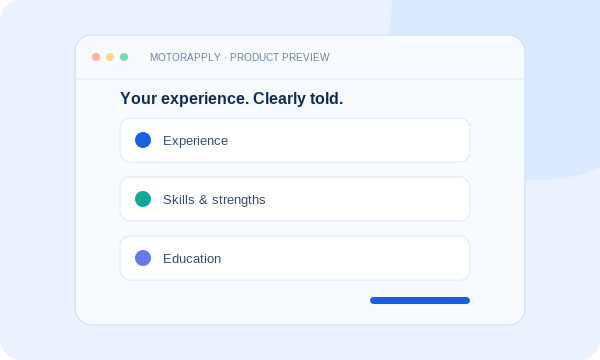
Shape a focused, ATS-friendly resume around the role. Highlight relevant skills and experience you can stand behind.
FREE BUILDER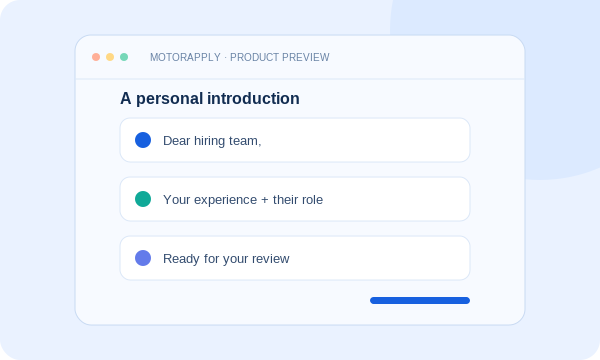
Turn your experience into a personal introduction. Connect your story to the role without starting from a blank page.
FREE BUILDER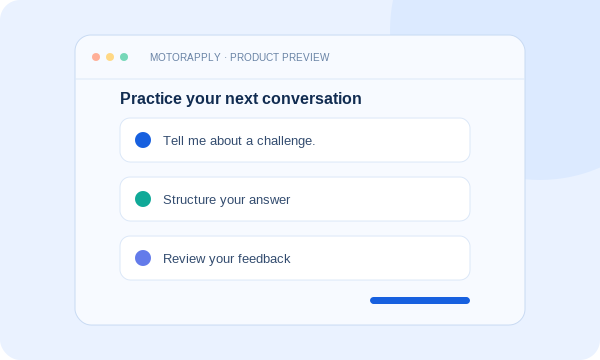
Practice role-specific questions, sharpen your answer structure, and build confidence before the real conversation.
PRACTICE + AI
Explore on-screen talking points for practice and interviews where AI assistance is permitted.
COACHING WORKSPACE
Bring your career story to another language. Preserve the details that matter and review every translation.
AI SETUP REQUIRED
Give your own profile a new format. Paste your experience and turn it into an editable resume starting point.
TEXT IMPORT
Spot keyword gaps and check the basics. Understand how your resume connects with the job description.
LOCAL SCANNERBuild and save your documents for free. Explore role-specific practice and your connected job feeds.
Check your resume, find keywords, prepare answers and compare offers. No account needed.
Meet your Interview Buddy. Explore role-focused talking points, find the structure in your experience, and keep the conversation moving.
Work through role-specific questions before the day.
Turn real achievements into clear talking points.
Live assistance is planned for consent-based use.
Try the questions in the demo →
▍
Use live coaching only where the interview’s rules permit it. No audio, screen capture, or earpiece connection is active.
Explore Interview BuddyExplore the kinds of companies that could be part of your next chapter.
 Meta


 Stripe
 Tesla

 SpaceX
 Dropbox









Illustrative employers, not partners or verified MotorApply hiring outcomes. Opportunities vary.
The essentials, before your next move. Find detailed answers on each tool’s page.
6 questions
MotorApply brings job discovery, application documents and interview preparation into one Job Hub. You can explore real job feeds, build documents and practice before deciding which services fit your search.
Choose Start now, then select Resume Builder, Auto Apply or Interview Buddy. Auto Apply starts with a survey about your goals, background and work preferences before showing its plans. You can switch tools later.
Yes. Local document tools, the public job preview and sample interview exercises can be explored without signing in. Account features and model-powered tools require secure sign-in and service activation.
Local resume and cover-letter drafting, editing, supported exports and local scanner checks are available without a paid plan. AI requests have separate activation and usage requirements. Auto Apply and Interview Buddy plan selection does not currently activate payment or paid access.
No. Hiring decisions depend on employers, your experience and the role. MotorApply helps organize and prepare your search; it cannot guarantee interviews, offers, ATS acceptance or a particular time to hire.
Open Help Center in the Job Hub for setup guidance and feature status. If something fails, keep your draft, note the tool and error message, and avoid including private resume details or credentials in any report.
Each tool page has its own setup, features and usage FAQ.
Make space for the work you want to do.
Explore MotorApply Interactive demo · no account or payment required